
iPhone Declutter, Speed Learning Hacks, Minimalist Brain Dump App

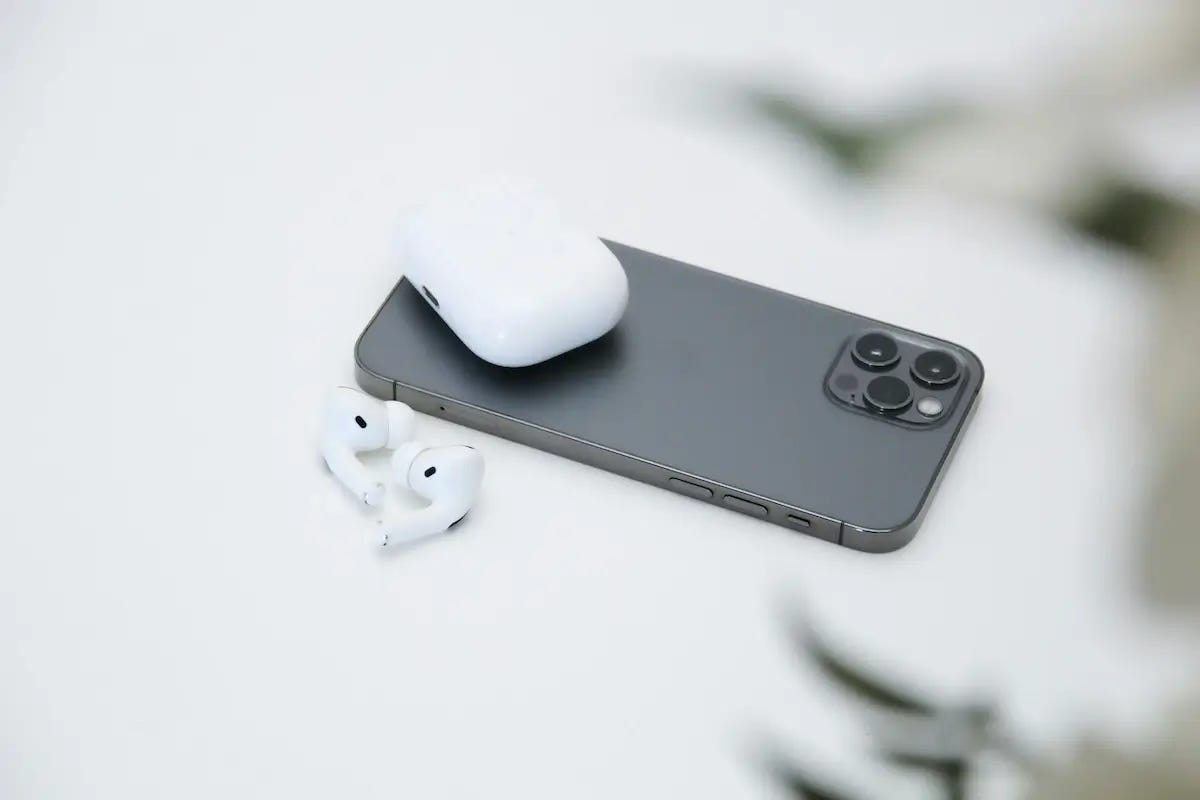
If finding apps, contacts, and photos on your iPhone has become harder than making friends after 30, it's time for a fresh start.
I’m not talking about resetting your phone to factory settings; I’m talking about a good ol’ declutter—getting rid of unused apps, cleaning up your files, and sorting out your permissions and notifications.
Why it matters: Clutter distracts you, eats up storage space on your phone, and drains your battery fast. Decluttering at least once a year will make your phone run smoother. It will also make it safer and more enjoyable to use.
Here are 10 ways to remove clutter on your iPhone:
📲 1. Remove apps you don't use daily or that are too distracting, starting with the ones that take up the most space.
📸 2. Delete photos and videos you don’t need anymore (duplicates, screenshots, selfies, etc.).
👤 3. Delete contacts you don’t need anymore (Airbnb hosts, former colleagues, or people you don't plan on contacting).
📨 4. Delete old message threads and emails, especially those with lots of photos and videos.
🗂️ 5. In WhatsApp, review the “Media, links, and docs” folder for threads you use often, especially group chats, and delete unnecessary photos and videos.
🔍 6. Wipe your browser cache and history.
🔑 7. Update weak or duplicate passwords and delete passwords for services and apps you no longer use.
🔕 8. Turn off notifications for apps you don’t need to hear from.
📍 9. Review apps that have access to your camera, microphone, and location, and revoke unnecessary permissions.
🎯 10. Create different home screens using Focus modes.
Dive deeper: These steps are from our latest blog post: How to Declutter Your iPhone: The Ultimate Guide (10 Steps). Check it out for detailed instructions and screenshots.
Now onto cool apps and systems I’ve come across and tested since last month.
Help a friend: forward this email to someone whose iPhone could use a declutter.
Noteworthy Apps & Tools
🚀 Defer: A Minimalist ‘Brain Dump’ App
Defer is a dump for your ideas, reminders, and to-dos. Capture something in one tap on your iPhone or a keyboard shortcut on your Mac. When you have a moment later in the day, sort your entries out and send them where they need to go—a grocery list, to-do app, or project management tool. I love how intuitive and simple this app is.
Defer is free to use. The pro version, which costs $6/year, does give you a few additional features that most of you won’t need.
📚 Read and Listen to Your Books at the Same Time
This hack changed the way I read. I can now eat up a 300-page book in a couple of days. Try it. You will be able to read faster and longer. Plus, since you’re engaging two senses at once, you will better recall the information you read.
The downside is that you need to buy each book twice (audiobook + written copy).
Go deeper: The effect of reading while listening to audiobooks: Listening fluency and vocabulary gain. Asian Journal of English Language Teaching, 21, 43-64.
🧠 Anki
Anki is a free app that uses spaced repetition to help you remember stuff. It’s great for learning languages. I used it to learn Czech driving rules and aced my motorcycle test last week.
Watch out for AnkiApp, a copycat app that’s paid and not as good. Anki (blue logo) is the one you want.
☕ Keep Your Mac Awake
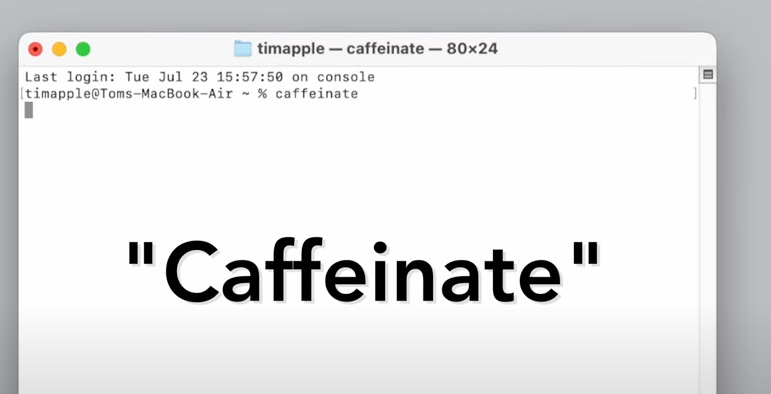
Type “caffeinate” in the MacOS terminal to keep your Mac awake until you quit the terminal. I used to use an app called Amphetamine for this. It’s handy for long downloads when you don’t want your Mac to sleep.
To open the terminal, open Spotlight (Command + Space) and type “Terminal”
📵 Blank Spaces App
Blank Spaces makes your phone look like a Light Phone. It transforms your home screen into a simple, monochrome interface with text-based navigation. Though I found the user experience a little clunky, it's worth a try if you're looking to reduce your screen time.
They have a free 7-day trial. Then it’s $22 for a lifetime.
Talk to you next month!
Challenge everything.
-Ben
whatifididnt.com
PS: Did someone forward this newsletter to you? Sign up here.